
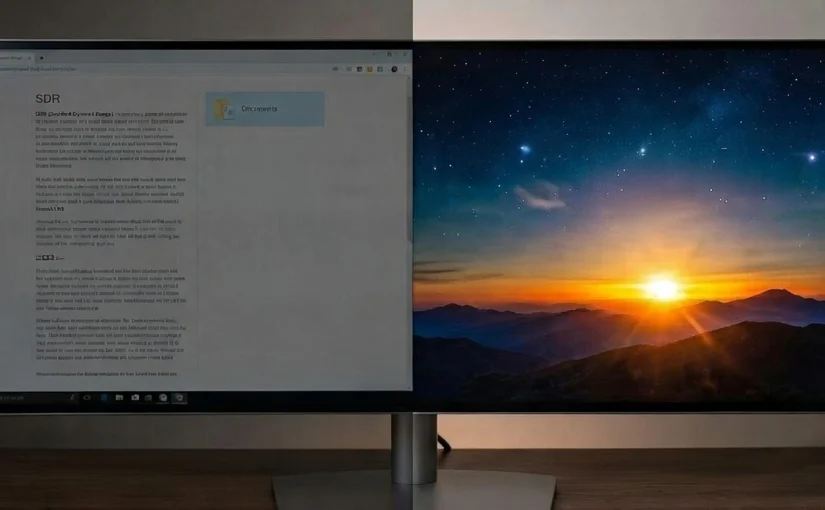
I recently got a new HDR monitor expecting instantly getting brighter brights and deeper colours when switching HDR on in Windows, but instead was getting a rather underwhelming image.
The “Dark Image” Effect
The core concept to understand is that enabling HDR essentially disables your monitor’s physical brightness controls and hands that control over to the applications.
For software not designed for HDR – which is virtually all desktop apps – this results in the image looking too dark. The reason lies in the math: in HDR mode, Windows maps the standard white pixel value of (1, 1, 1) to 80 nits, strictly following the original sRGB standard.
This feels jarring because in the old SDR mode, the math was loose. If you had a 300-nit monitor and set the brightness to 50%, white would output at roughly 150 nits. In HDR mode, 80 nits is the hard limit for standard white.
This is exactly why Windows includes an “SDR content brightness” slider in the display settings. It allows you to artificially boost that baseline brightness, pushing standard white from 80 nits (at 0%) up to 480 nits (at 100%) so your desktop doesn’t look dim.
Deeper Colors
The next confusing topic is color space – you will hear terms like “scRGB” and “Display P3” thrown around.
While your monitor is technically capable of outputting deep, rich colors (Wide Color Gamut), standard applications aren’t built to ask for them. This is why Windows operates in scRGB by default. To the average application, scRGB looks exactly like standard sRGB, just with the potential to go brighter.
Applications can display deeper colors in this mode, but they have to use negative color values (or values > 1.0) to reach outside the standard sRGB palette. However, the software must be explicitly programmed to do this.
So, if you want to see those deeper colors in games, you often need to manually select a Wide Color Gamut option (like “Display P3” or “Rec.2020”) in the settings. But be warned: you still have to hope the developers actually tested their color mapping on a wide gamut display, or else colors might look oversaturated or broken.